

Collect customer feedback
Catch every piece of feedback, wherever it comes from
Capture it automatically with AI, collect it from your board, and invite your team to add what they hear.
Everything you need to collect feedback from every source
Capture feedback from every conversation, automatically
Autopilot connects to your sales and support tools, then reads every call and ticket to capture the requests inside.
- Capture feedback from Gong, Intercom, Zendesk, and Slack
- Turn survey results you already have into feedback
- Track feedback found in reviews on G2, Capterra, and the App Store
- Get requests sorted by product area, automatically
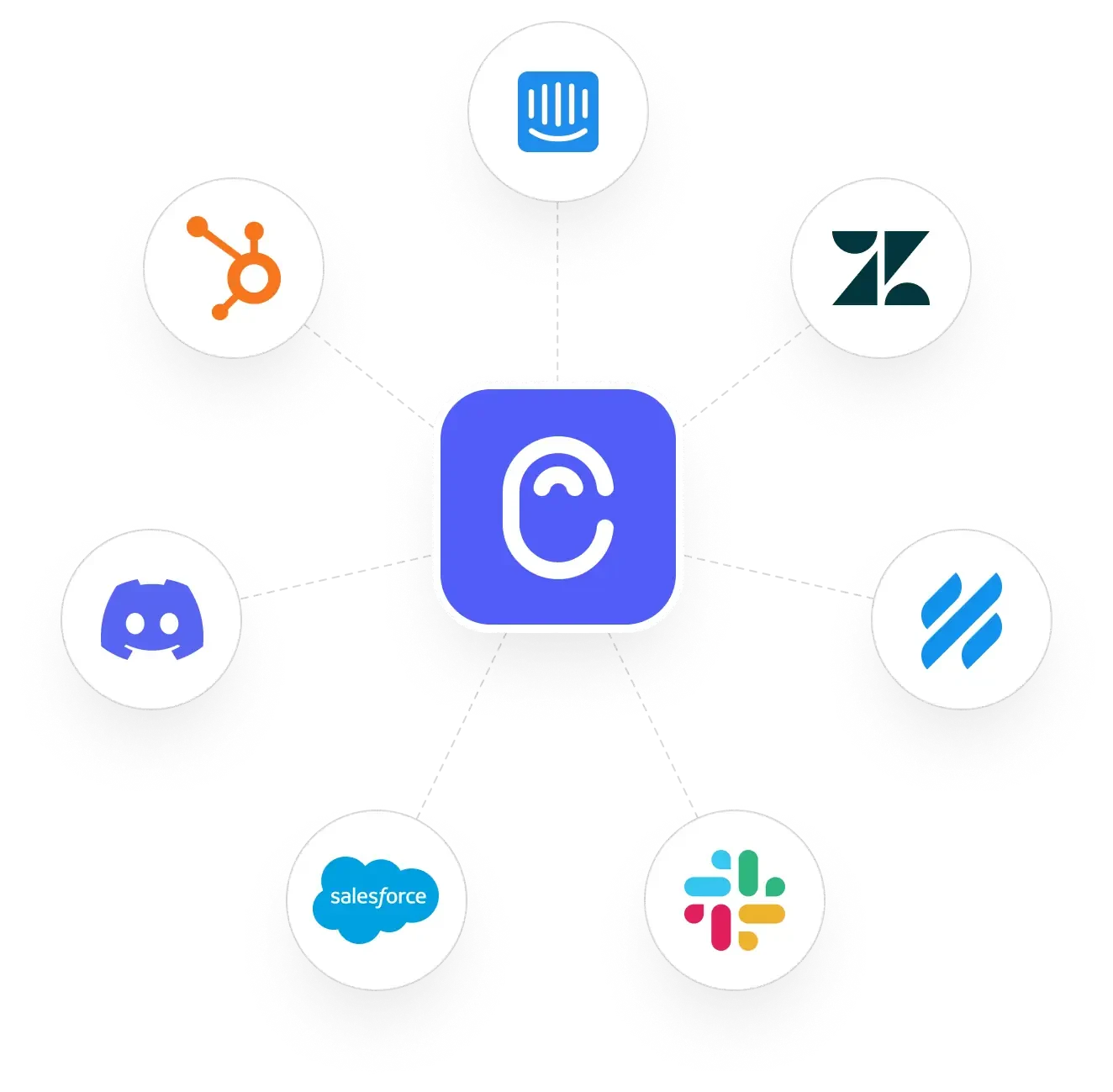
Track feedback right where your team works
When a customer says something worth keeping, your support and sales teams capture it without leaving the tools they use every day.
- Capture feedback without leaving Intercom or Zendesk
- Flag requests in HubSpot and Salesforce and connect to deals
- Grab feedback from anywhere on the web with the Chrome extension
- Tie every request to the customer who asked, automatically
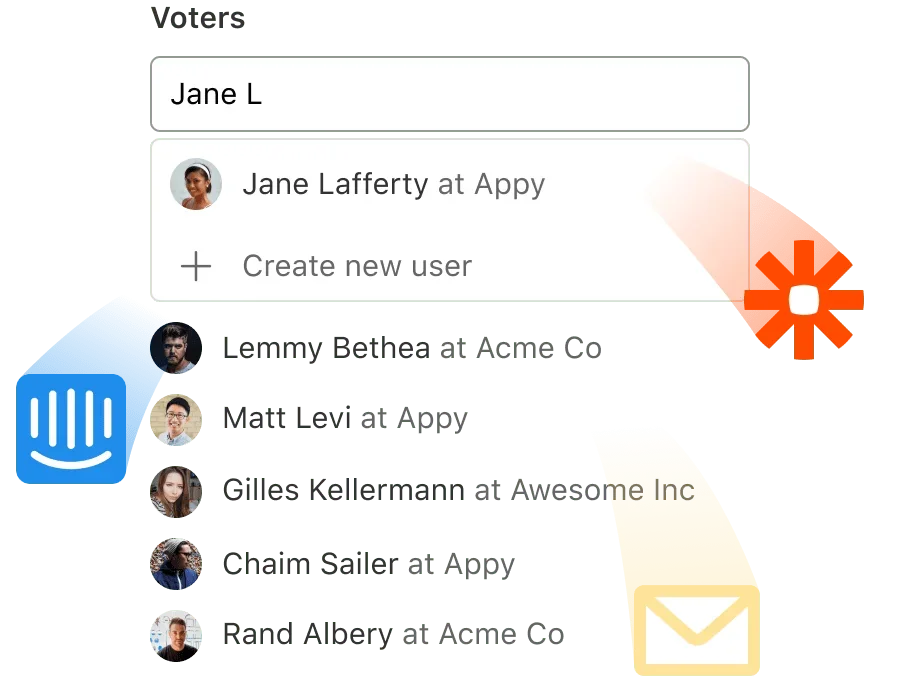
Give customers a place to share feedback
Set up a feedback board where customers submit and vote on ideas, so the requests that matter most rise to the top.
- Collect feedback from users without a signup, on a board embedded in your site
- Let customers vote for the requests they care about most
- Uncover the context behind requests by asking users directly
- Keep customers updated with status updates and a public roadmap
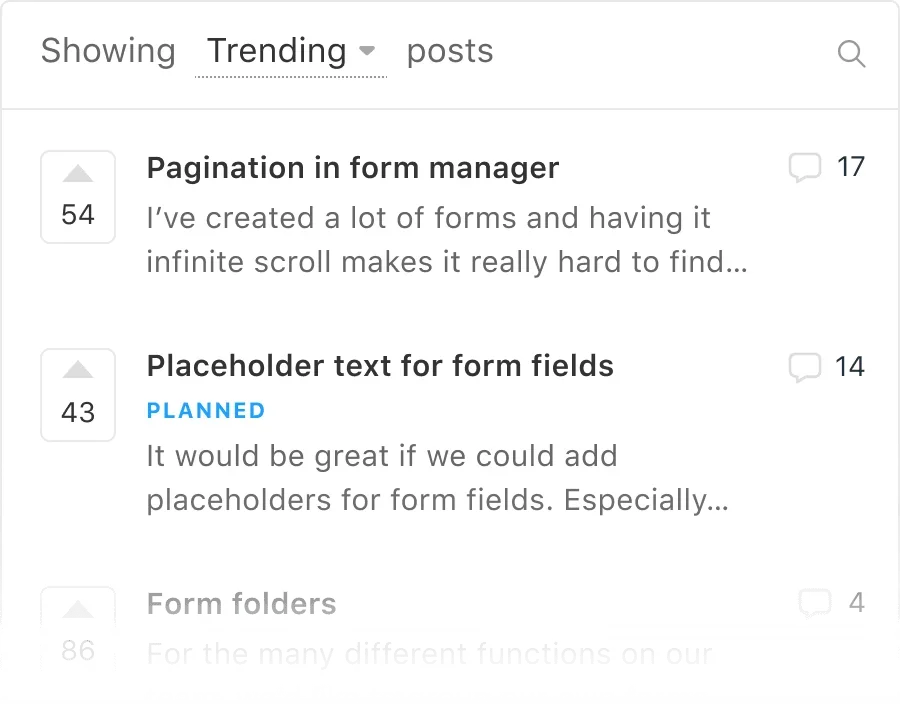
Capture your team's internal feedback
Your team has ideas and spots problems too. Give them a place to add feedback, so it sits alongside what customers ask for.
- Add internal feedback the moment a teammate has it, without leaving Slack
- Catch the ideas your sales and success teams bring back from calls
- Give your whole team one place to add and track feedback in Canny Ideas
- Keep internal and customer feedback in a single view
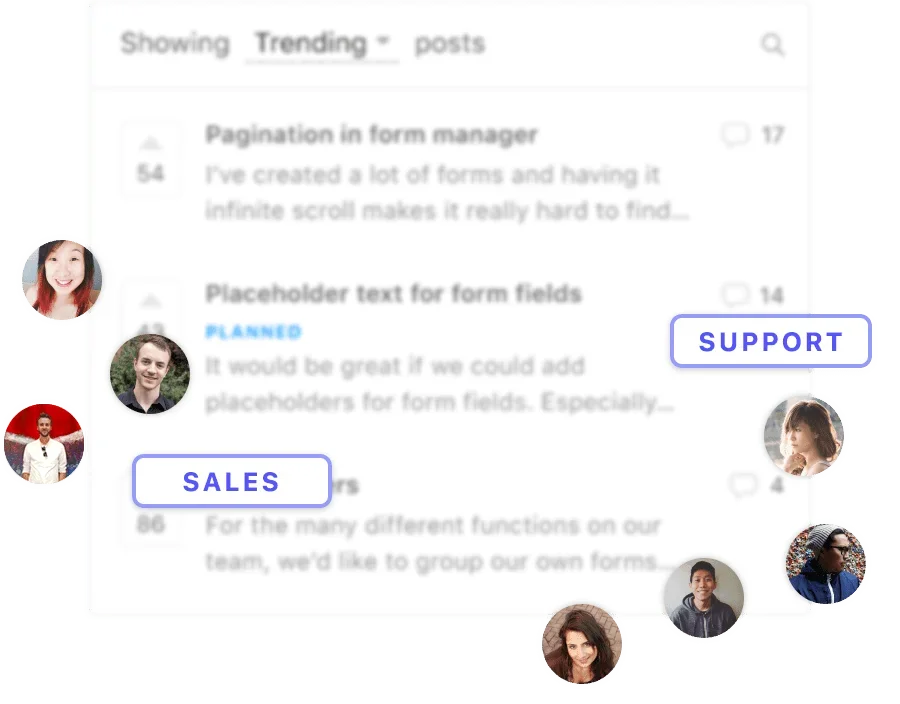
Bring in feedback from other sources
Import feedback from another tool, upload exports and transcripts, or send it through the API. Canny reads it all and pulls out the requests.
- Move feedback from your old tool without losing context
- Drop in exports, transcripts, or survey results, and Autopilot finds the feedback
- Capture feedback from your own systems automatically through Canny's API
- Turn any source of customer input into clear requests
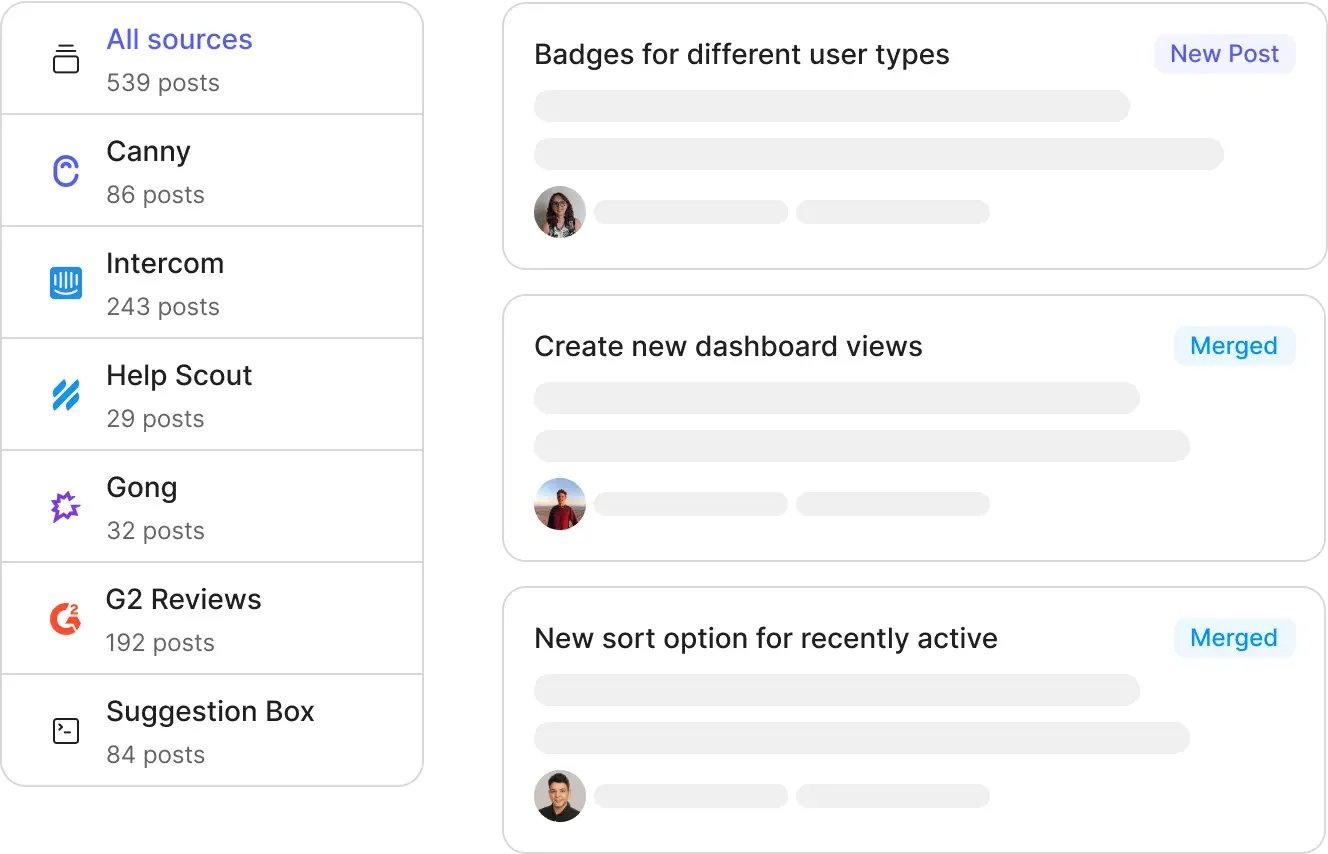
Every source, organized in one place
Wherever feedback comes from, it lands in Canny, deduplicated, organized by product area, and tied to the customer's revenue impact.
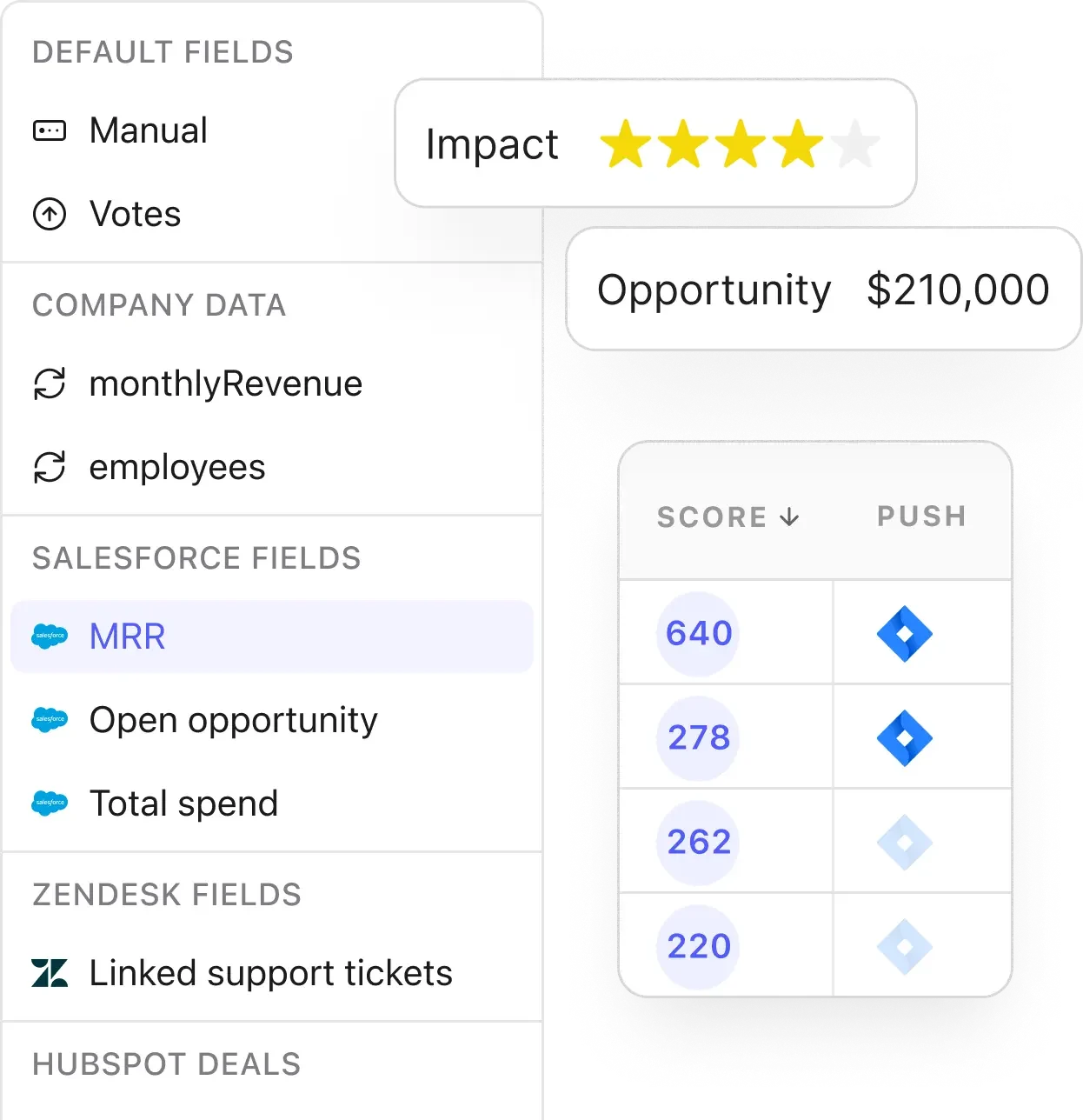
When feedback lives in too many places, the best ideas get lost
“Different teams were using their own methods for collecting feedback. It was scattered across various channels, from Google Sheets to Salesforce.”Read the Knak story

Felix Higgs
Senior Customer Success Manager, Knak
Bring all your feedback into one place
Start collecting feedback from every source today.
Free sign up · No credit card required
Frequently asked questions
How do I collect customer feedback with Canny?
Canny collects feedback from every channel. Autopilot captures it from your sales and support conversations automatically. Customers submit directly on your feedback board. Your team adds what they hear, and you can bring in feedback you already have. It all lands in one place.
Does Canny send surveys?
Canny reads the feedback your customers already share in calls, tickets, and messages, so you can skip the survey grind. If you do run surveys elsewhere, Autopilot reads those results too.
Can I collect feedback from my support and sales tools?
Yes. Autopilot connects to tools like Gong, Intercom, Zendesk, and Slack and captures feedback automatically. Your team can also flag feedback by hand inside Intercom, Zendesk, HubSpot, Salesforce, or any web page using the Chrome extension.
Can customers submit feedback themselves?
Yes. Set up a feedback board where customers submit and vote on the ideas that matter most to them. They use their existing accounts, so there is no extra signup, and you see exactly who asked for what.
How much does it cost?
Canny has plans for most companies. You can start free with everything you need to begin collecting feedback. See full details on our pricing page.